
Free
Once per accountFree
10 Minutes Access
- Predictor access
- 10 minute session
- Live prediction interface
- Prediction history during session
- Mobile access
A dedicated next-odds workspace. Timed predictor sessions and a floating odds view that stays close while you browse.
One-time registration. Timed sessions. No recurring subscription.
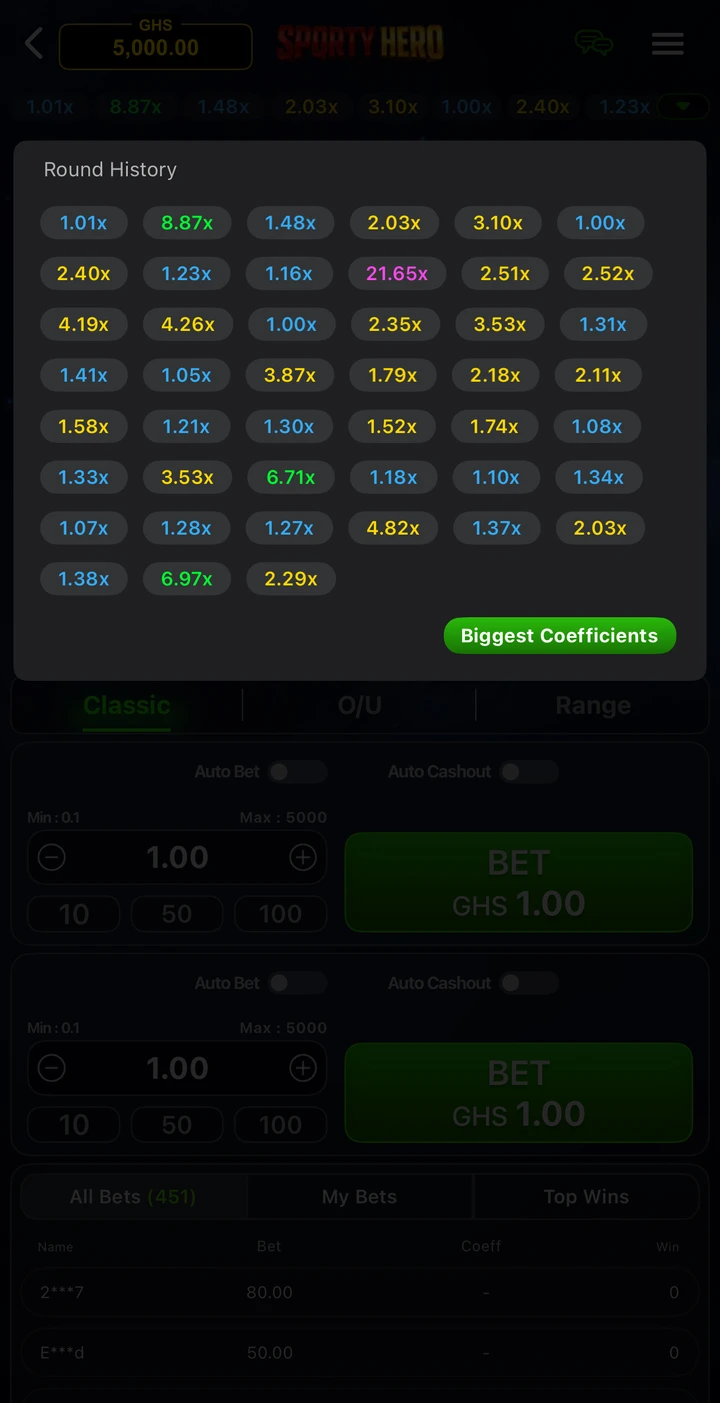
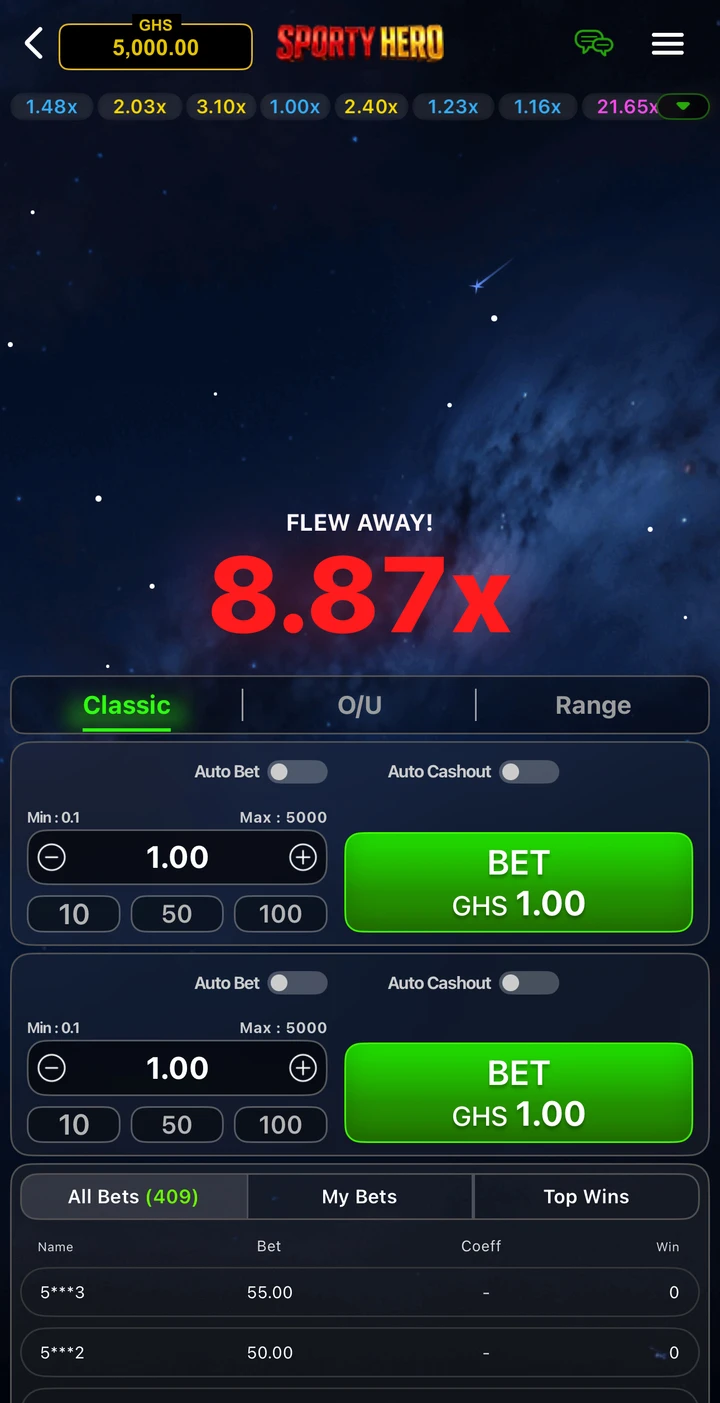
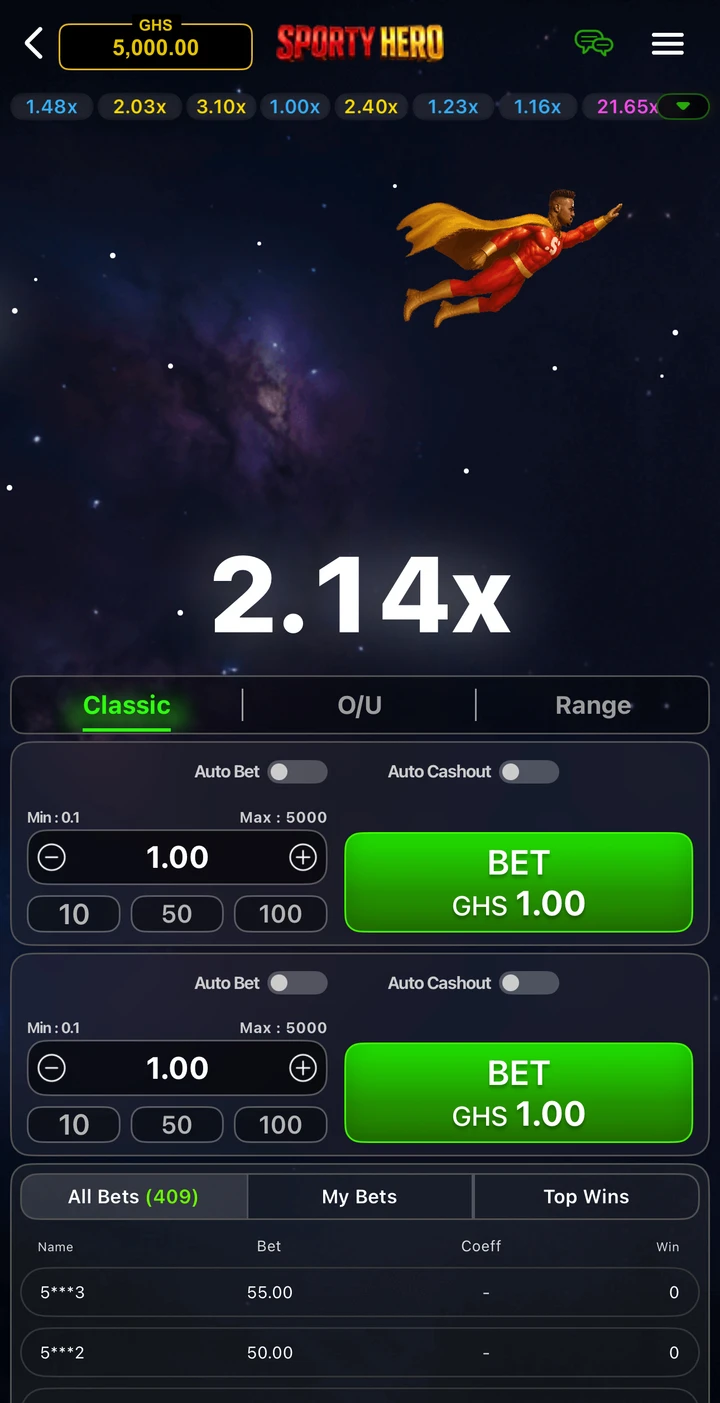
Edited balance: GHS 5,000. Not live data.
Registration required
One account. Your predictor sessions, payment updates and floating odds workspace, together.
Start registrationNext Odds and the floating view unlock when your registration is activated. Claim your first 10 minutes free after activation.
01 / Your access path
Start with registration. Choose session time when you are ready.
Sign up with your name and email. A partner referral link connects your registration to that partner.
Complete your GH₵50 registration. For mobile-money transfers, submit your transaction ID and receipt for review.
After activation, claim your free session or choose a package. Your dashboard shows active access, remaining time and session history.
02 / Session time
Available after registration. No subscription.
Free
10 Minutes Access
GH₵300
1 Hour Access
GH₵500
2 Hours Access
GH₵1,000
5 Hours Access
03 / The details
Registration, payments and session time. Know where you stand at every step.
No. Registration activates your account. The Free package is a separate, once-per-account 10-minute claim; Basic, Pro and Hero are timed sessions, not recurring subscriptions.
Send the exact amount to the receiving account shown on your payment page, then upload your receipt and transaction ID. An admin checks the receiving wallet before approval. A screenshot alone does not activate access. Your payment page shows the latest review status.
If you already have active or scheduled access, your next package starts after that time ends. Your existing session is preserved, and the new session appears in your dashboard history.
Registered accounts can use the floating odds view when live data is available. Browser support determines the floating mode; an in-page view is available as a fallback.